





30
:
00
:
00
๐ŸŽ‰ Kling 3 Launch Celebration50% OFF
๐ŸŽ Claim Discount
Faster renders ยท native audio ยท lower credit cost

Kling 3.0 Turbo

Fast AI Video Generator

Kling 3.0 Turbo is the speed tier of Kling AI video generation. Turn a text prompt or a single image into a sharp 1080p clip with native audio, accurate lip sync, and stable motion โ€” in a fraction of the time and credits of the top quality tier. Nothing to install, generate right in your browser.

Generate video from a text prompt with Kling 3.0 Turbo

0/2500

Be specific about motion, camera angle, and mood for the best result

Duration5s
3s15s
Generation Mode

Standard resolution, faster and lower cost

Aspect Ratio
Generate Audio
Credits Required200 credits

Preview

Kling 3.0 Turbo AI video generator demo previewDEMO EXAMPLE

Enter a prompt or upload an image and click Generate

How It Works

1

Enter Prompt

Describe your video or upload an image

2

Customize

Set duration, mode, ratio, and audio

3

Generate

Kling 3.0 Turbo creates your video

Kling 3.0 Turbo Video Examples

Real frames from Kling 3.0 Turbo โ€” speech with matched lip sync, fast motion that stays stable, and cinematic detail. This is the output quality you can expect from the Turbo tier.

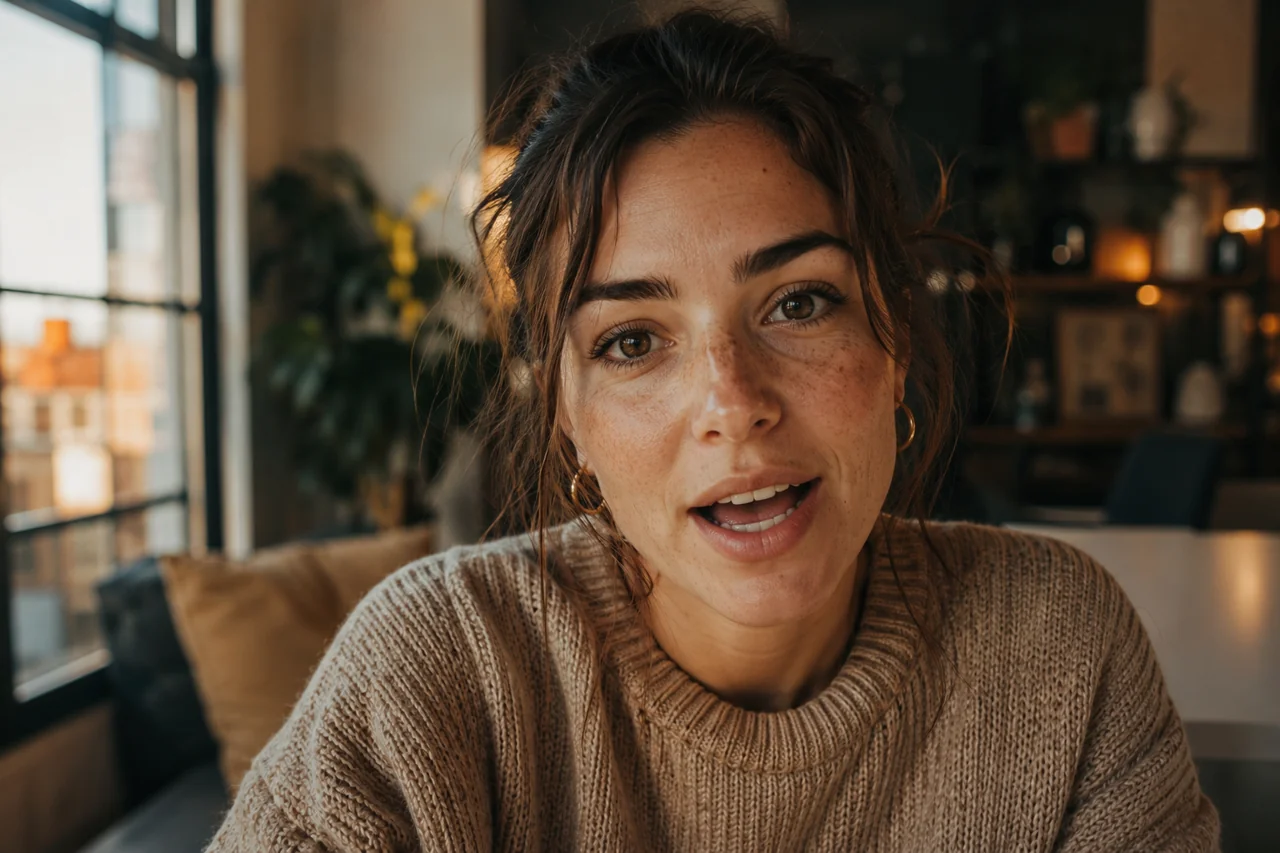
Kling 3.0 Turbo talking-head example with a creator speaking and accurate lip sync

Prompt: A creator speaks straight to camera in a warm home setting, sharing an update. Kling 3.0 Turbo matches mouth movement to the generated voice for a clean, natural talking-head video.

Kling 3.0 Turbo wildlife example of an eagle in flight with fast stable motion

Prompt: An eagle sweeps low over a misty lake at sunrise, wings fully spread. Kling 3.0 Turbo keeps the fast wing motion sharp and stable, with no warping.

Kling 3.0 Turbo text-to-video example of a dreamy cinematic scene under a starry sky

Prompt: From a single text prompt, Kling 3.0 Turbo generates a dreamy cinematic scene of a figure beneath a vast starry sky, with smooth and stable motion.

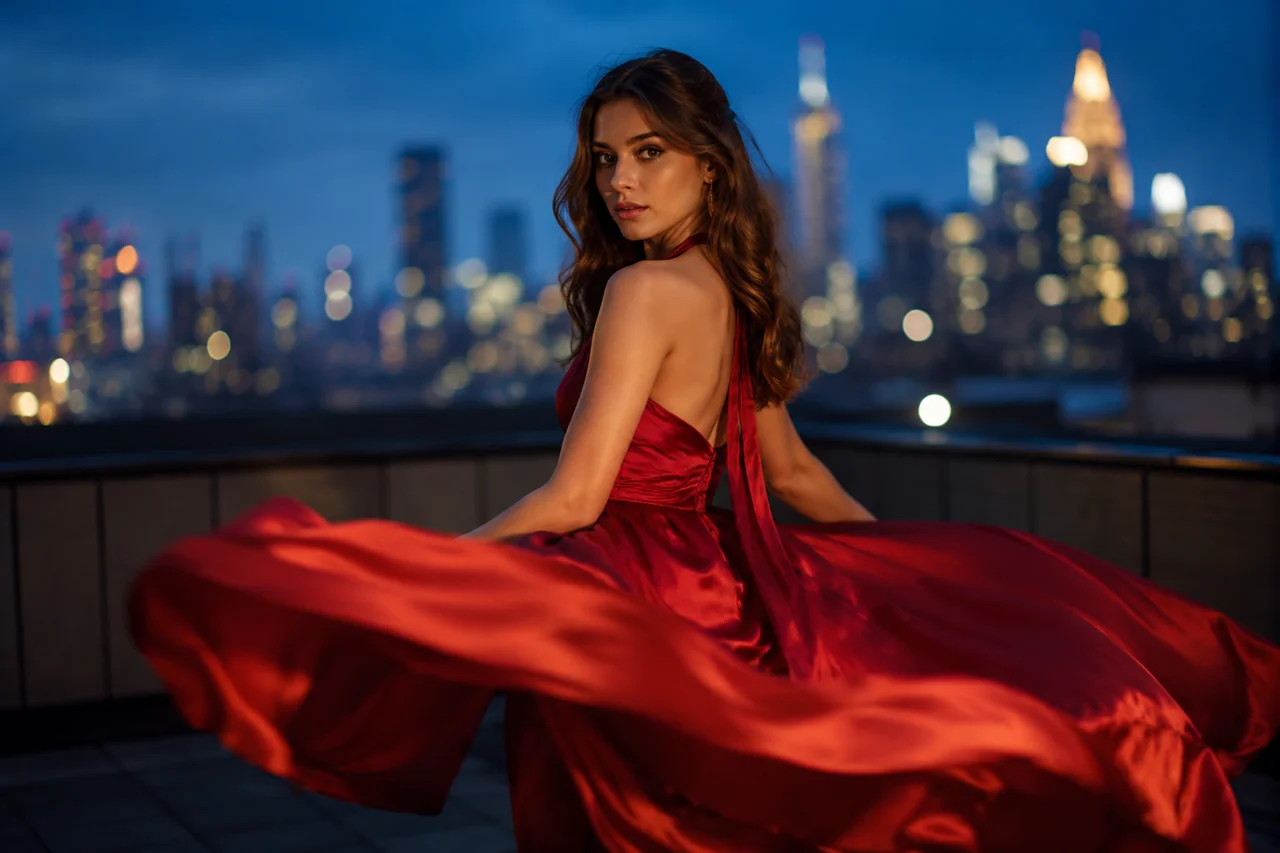
Kling 3.0 Turbo image-to-video example bringing a rooftop portrait to life

Prompt: Upload one still portrait and Kling 3.0 Turbo brings it to life โ€” flowing dress, drifting hair and natural movement on a neon city rooftop โ€” without losing the original face.

Kling 3.0 Turbo multi-shot example with a consistent character across angles

Prompt: A short multi-shot scene shows the same character from three angles. Turbo keeps the character and lighting consistent so the cut feels like one story.

Kling 3.0 Turbo commercial example of a slow-motion coffee pour at 1080p

Prompt: A slow-motion coffee pour with rising steam. Kling 3.0 Turbo renders the liquid, steam and reflections with cinematic, ad-ready detail at 1080p.

Why Choose Kling 3.0 Turbo

Turbo is built for one thing: getting a usable, good-looking video fast and cheap โ€” without the trial-and-error that burns credits.

Faster Renders, Same Kling Engine

Kling 3.0 Turbo is the speed tier. It returns a finished clip far faster than the top quality mode, so you can iterate ideas in minutes instead of waiting on every render.

Native Audio Built In

Turbo generates sound with the video โ€” ambient audio, effects, and spoken dialogue โ€” so you don't need a separate voiceover pass to judge a first cut.

Accurate Lip Sync

When a character speaks, Kling 3.0 Turbo matches mouth movement to the audio. This is what makes talking-head ads and UGC avatars actually usable.

Stable Motion, Less Warping

Turbo holds body shape and faces steady through fast motion, cutting the morphing and abrupt jumps that ruin a take and force a re-render.

Lower Credit Cost per Clip

Because Kling 3.0 Turbo is the efficient tier, each generation costs fewer credits than the premium model โ€” so experimenting is no longer a gamble.

1080p and Multi-Shot Ready

Generate crisp 1080p clips and multi-shot sequences with consistent characters, ready for social, ads, and short-form storytelling.

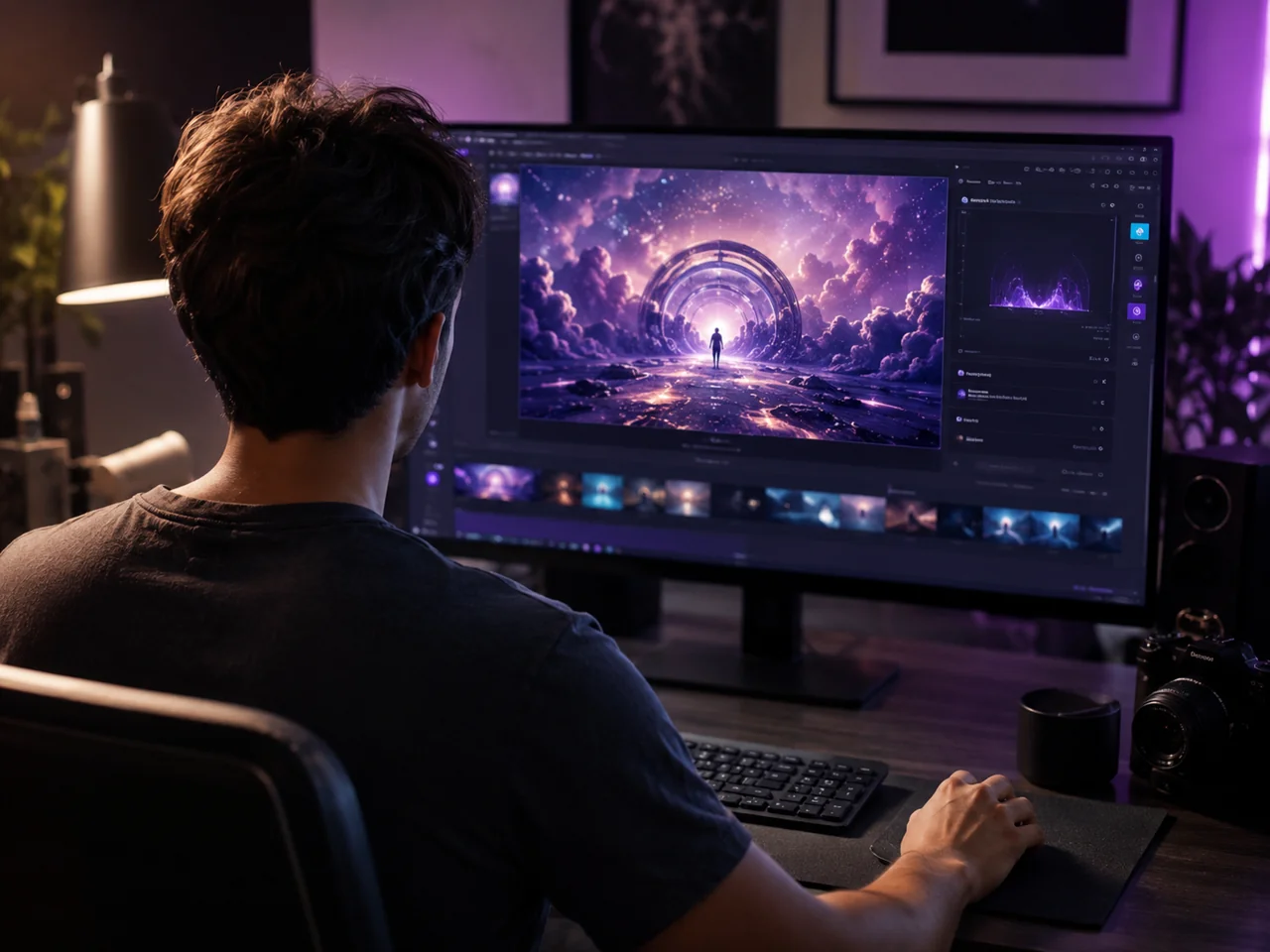
Kling 3.0 Turbo AI video generator showing a creator with floating generated video frames

How to Use Kling 3.0 Turbo

Three steps from idea to finished clip. No install and no timeline editor โ€” just describe, set, and generate.

1

Step 1: Write a Prompt or Upload an Image

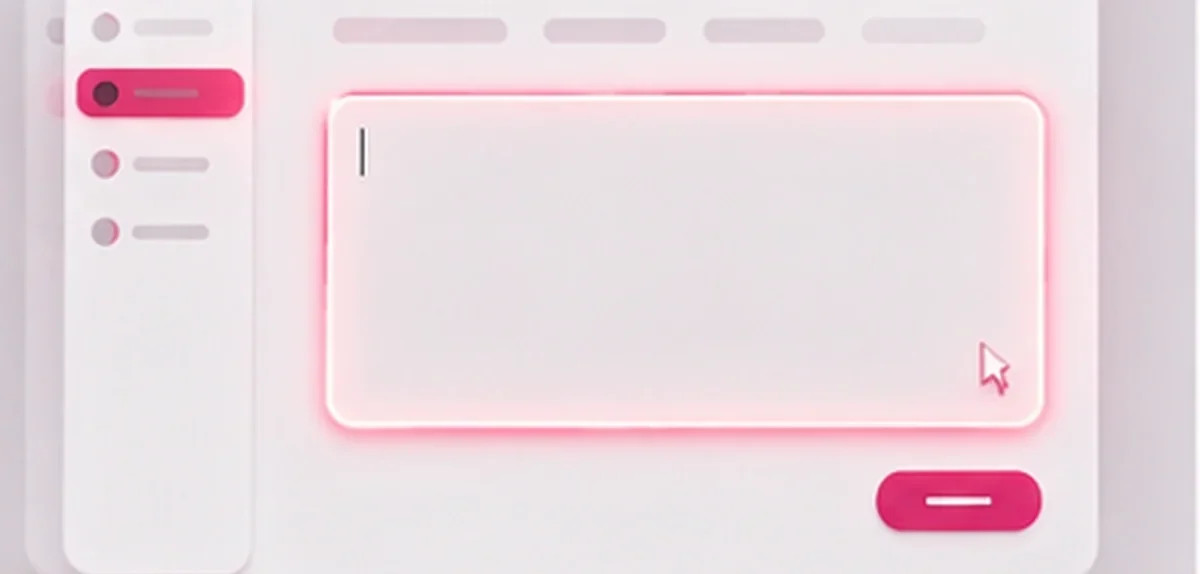
Start with a clear text prompt for text-to-video, or upload one image for image-to-video. Describe the subject, the action, and the mood in plain language. If a character should speak, write the line you want โ€” Kling 3.0 Turbo will voice it and sync the lips. A specific prompt with one main action gives the cleanest first result.

Kling 3.0 Turbo step 1, writing a prompt in the video generator input box
2

Step 2: Pick Turbo Mode, Length and Ratio

Select the Kling 3.0 Turbo model, then set clip length and aspect ratio โ€” landscape for YouTube and ads, portrait for TikTok, Reels, and Shorts. Turbo is the fast, lower-cost option, so it is the right pick when you want to test several variants before committing credits to a premium render.

Kling 3.0 Turbo step 2, choosing Turbo mode, clip length and aspect ratio
3

Step 3: Generate, Preview and Download

Hit generate and Kling 3.0 Turbo returns your clip with native audio in a fraction of the usual wait. Preview it, tweak one thing at a time โ€” the prompt, the length, or the reference image โ€” and regenerate until it lands. Download the final 1080p video and it is ready to post.

Kling 3.0 Turbo step 3, generating, previewing and downloading the finished video

Kling 3.0 Turbo vs Other AI Video Models

Where Turbo fits against the premium Kling tier and rival models. Use it to pick the right tool for speed, cost, and quality โ€” not as marketing hype.

Kling 3.0 Turbo compared with other AI video models on speed, cost and quality
FeatureKling 3.0 TurboKling 3.0 QualityTypical Rivals
Render SpeedFastestSlowerVaries
Credit Cost per ClipLowerHighestVaries
Native Audio + Lip SyncYesYesOften no
Motion StabilityStrongBestInconsistent
Best ForFast drafts & volumeHero shotsSingle use cases

Kling 3.0 Turbo: A Hands-On Guide

What I learned shipping real clips with Kling 3.0 Turbo โ€” when it wins, when to switch tiers, and how to stop wasting credits.

What "Turbo" Actually Means

The first thing to understand about Kling 3.0 Turbo is that it is a tier, not a different model family. It runs the same Kling 3.0 generation engine, tuned for speed and lower cost. You trade a little of the absolute fine detail you would get from the premium quality tier in exchange for a clip that comes back far faster and bills fewer credits.

In day-to-day work, that trade is usually worth it. Most of my generations are drafts: I am testing a prompt, a camera idea, or a piece of dialogue. Paying the top price and waiting the longest time for a take I am going to throw away makes no sense. Kling 3.0 Turbo lets me run those experiments cheaply, then reserve the premium tier for the one hero shot that actually ships.

So my rule is simple. If I am exploring, iterating, or producing high volume for social, I stay in Turbo. If a single shot has to be flawless for a paying client, I lock the prompt in Turbo first, then re-run that exact prompt on the quality tier. That workflow keeps both my speed and my budget under control.

  • Use Kling 3.0 Turbo for drafts, variants, and high-volume social content.
  • Switch to the quality tier only for a final hero shot that must be perfect.
  • Lock your prompt in Turbo before spending premium credits on it.
  • Treat Turbo as your default and the quality tier as the exception.
Getting Clean Lip Sync Every Time

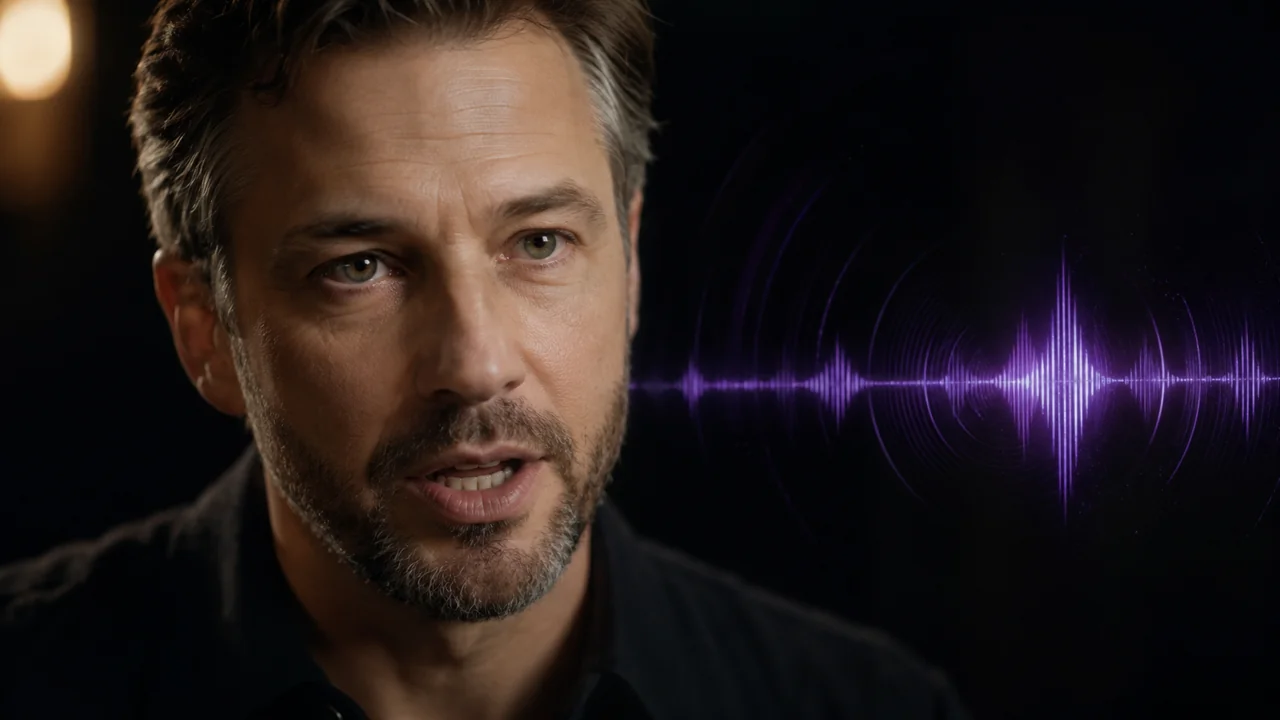
Lip sync is the feature people test first, because it is where most AI video still falls apart. Kling 3.0 Turbo handles it well, but the result is much cleaner when you set the shot up for it. The biggest factor is framing: a medium or close shot where the face is clearly visible syncs far better than a wide shot where the mouth is only a few pixels.

The second factor is the line itself. Short, natural sentences sync more accurately than long, rushed paragraphs. If you need a longer script, break it into separate generations and stitch them, rather than forcing one clip to carry thirty seconds of dialogue.

Finally, keep the head motion reasonable. A character who is gesturing wildly while talking gives the model two hard problems at once. Calm, grounded delivery in Kling 3.0 Turbo produces talking-head footage that genuinely passes for real.

  • Frame speakers in medium or close shots so the mouth is clearly visible.
  • Write short, natural lines instead of long rushed paragraphs.
  • Split long scripts into multiple Turbo generations and stitch them.
  • Keep head and body motion calm during spoken lines.

Turbo Credit Math: Don't Waste Renders

The whole point of Kling 3.0 Turbo is efficiency, so it is worth being deliberate about how you spend credits. The mistake I see most often is changing three things at once โ€” prompt, length, and reference image โ€” then having no idea which change fixed or broke the shot. You burn a render and learn nothing.

Instead, change one variable at a time. Get a rough version you like, then adjust only the prompt, regenerate, and compare. Because Turbo is fast and cheap, this disciplined loop is actually practical here in a way it never is on a slow premium tier.

Once a setting combination works, save it as your template for that shot type. Over a few projects you build a small library of Kling 3.0 Turbo recipes โ€” talking head, product reveal, action beat โ€” and your hit rate climbs while your credit spend drops.

  • Change only one variable per regeneration so you know what worked.
  • Get a rough pass first, then refine the prompt in small steps.
  • Save winning Turbo settings as reusable templates per shot type.
  • Track credits per usable clip, not per render, to measure real cost.

Pro Tips for Better Kling 3.0 Turbo Videos

Small tactical changes lift quality faster than rewriting everything from scratch.

1

Lead with one clear action

Kling 3.0 Turbo is strongest when a prompt has a single dominant action. Describe one thing happening clearly instead of stacking three events into one clip.

2

Match the ratio to the platform

Render portrait for TikTok, Reels, and Shorts, and landscape for YouTube and ads. Choosing the right ratio up front avoids an awkward crop later.

3

Use native audio as a draft track

Let Turbo generate sound so you can judge timing immediately. You can always replace it with a polished voiceover for the final cut.

4

Keep references clean

For image-to-video, start from a sharp, well-lit photo. Blurry or busy source images transfer their problems straight into the generated motion.

5

Build a recipe library

Save the prompt and settings of every Kling 3.0 Turbo clip that works. Reusing proven recipes is the fastest way to raise your average output.

Kling 3.0 Turbo native audio and lip sync feature illustration

What Creators Say About Kling 3.0 Turbo

What creators are saying about Kling 3.0 Turbo on X.

Just tested Kling V3 Turbo and the speed difference is immediately noticeable โ€” from a single prompt to a polished video in minutes. Smoother motion, better prompt accuracy, faster iterations, and lower cost per experiment.

Laptop Lifestyle Blogger

@MonetizationDon on X

Kling V3 Turbo: faster generation, smooth cinematic motion, and strong prompt following โ€” built for cost-efficient iteration. From idea to video, faster.

WaveSpeedAI

@wavespeed_ai ยท AI platform

Using Kling 3.0 for brand presentation โ€” animated branding mockups for clients.

Arek Dvornechuck

@ebaqdesign ยท Brand designer

Kling 3.0 Turbo FAQ

Fast answers for creators evaluating Kling 3.0 Turbo.


Start Creating with Kling 3.0 Turbo

Write a prompt or drop in an image, and generate a finished clip with native audio in minutes.

Kling 3.0 Turbo - Fast AI Video Generator, Lip Sync & Audio